Hardware Spending Guide
Hardware Spending Guide
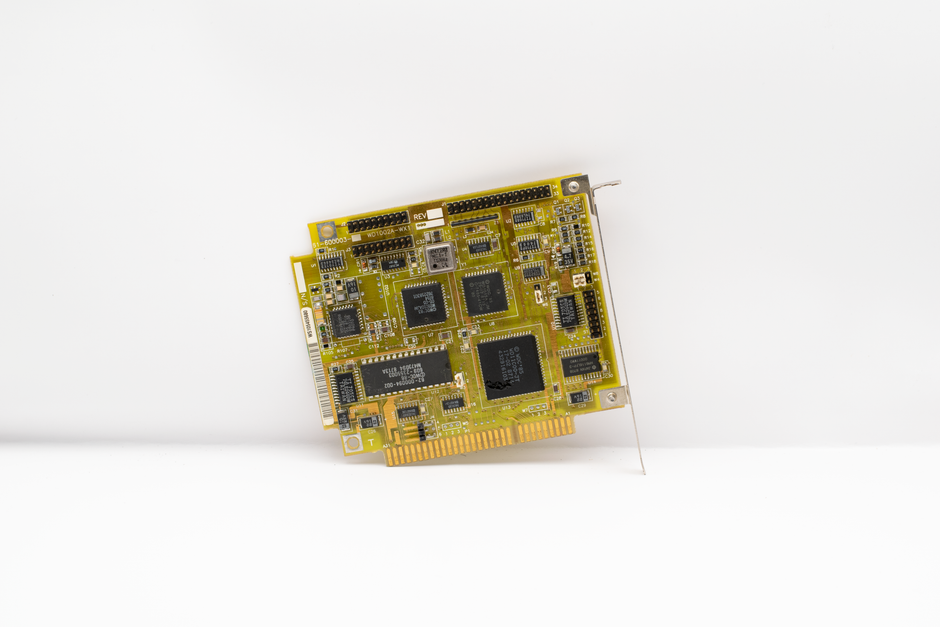
Photo by Nicolas Foster on Pexels
Hardware is the most visible part of your IT budget — the laptops, desktops, servers, monitors, routers, and phones that your team uses every day. It's also where small businesses overspend by buying too much, too often, or at the wrong time. This guide will help you plan hardware purchases strategically so you get the best value without compromising productivity.
The Five Hardware Tiers
Tier 1: Workstations. Laptops and desktops for your team. Budget $800-$1,500 per user for a machine that lasts 4-5 years. Don't overspend on premium brands — a mid-range business laptop from Dell, HP, or Lenovo handles 90% of office workloads.
Tier 2: Infrastructure. Servers, network switches, routers, and Wi-Fi access points. If you're cloud-first, you may need minimal on-premise infrastructure. Budget $2,000-$5,000 for a small office network setup.
Tier 3: Peripherals. Monitors, keyboards, mice, docks, and headsets. Budget $200-$400 per workstation setup. A second monitor is one of the highest-ROI hardware purchases — it boosts productivity by 20-30%.
Tier 4: Mobile Devices. Company phones or tablets. Consider a BYOD (Bring Your Own Device) policy with a monthly stipend instead of buying devices outright — often cheaper and simpler to manage.
Tier 5: Specialty Hardware. Printers, scanners, point-of-sale systems, or industry-specific equipment. Budget based on your specific business needs.
Step-by-Step: Plan Your Hardware Budget
Step 1: Inventory current hardware. For each device, record: type, model, purchase date, assigned user, and condition. Tools like Spiceworks or Lansweeper (free tiers available) automate this.
Step 2: Map the replacement cycle. Laptops: replace every 4-5 years. Servers: every 5-7 years. Network gear: every 5-6 years. Peripherals: replace on failure.
Step 3: Calculate annual replacement cost. If you have 20 employees and replace laptops every 4 years, that's 5 laptops/year × $1,200 = $6,000/year. Add infrastructure (20% of workstation cost) and peripherals ($300/workstation at replacement).
Step 4: Buy at the right time. Purchase during back-to-school sales (July-August) or Black Friday/Cyber Monday (November) for significant discounts. Buy business-grade, not consumer-grade — better warranties and durability.
Step 5: Consider refurbished. Off-lease business laptops from Dell Outlet or Lenovo Outlet cost 30-40% less and come with full warranties. For many roles, refurbished is the smart choice.
Step 6: Factor in setup costs. Each new device needs 2-4 hours of setup time (your IT provider or internal time). Budget $100-$200 per device for configuration.
Free Tools
- Spiceworks Inventory: Free device tracking with warranty alerts.
- Google Sheets: Simple hardware inventory template with replacement timeline.
- Dell/Lenovo Outlet: Save 30-40% on refurbished business hardware with full warranties.
Key Takeaways
- Plan hardware purchases on a 4-5 year cycle, not reactively when something breaks.
- Business-grade mid-range hardware is the sweet spot for most small businesses.
- Refurbished business laptops offer excellent value with full warranties.
- A second monitor is the highest-ROI hardware investment you can make.
- Include setup and configuration costs in your hardware budget — not just the device price.
Practical Tools and Techniques for Budget Estimation
Accurate budget estimation requires both top-down and bottom-up approaches. Top-down estimation starts with a total budget target (e.g., 4% of revenue) and divides it across categories. Bottom-up estimation lists every individual cost item and adds them up. The best budgets reconcile both approaches — if bottom-up totals exceed top-down targets, you must justify each line item or find efficiencies. Free tools like GanttProject can help visualize project timelines and associated costs, while LibreOffice Calc provides spreadsheet templates for detailed line-item budgeting.
When estimating hardware costs, always include a 3-year replacement cycle. A server purchased for $8,000 will need replacement in 3-5 years, so the annualized cost is $1,600-2,700. For software, calculate per-user licensing multiplied by expected headcount growth. If you have 100 users today and expect 15% annual growth, your software costs will increase proportionally — budget for it now. Network infrastructure has a longer lifecycle (5-7 years) but carries higher maintenance costs as equipment ages. A good rule of thumb: maintenance costs increase 15% per year after the warranty expires, so factor in extended warranties or plan for replacement.
Vendor negotiations can reduce IT costs by 10-30% if done strategically. Always get at least three quotes for any purchase over $5,000. Negotiate multi-year contracts for price locks — many SaaS providers offer 15-20% discounts for annual prepayment. Ask about non-profit, educational, or startup discounts if applicable. Many vendors have hidden discount tiers that they only offer when explicitly asked. Free tools like Nextcloud can replace expensive cloud storage subscriptions, and Bitdefender GravityZone offers competitive pricing for endpoint security compared to enterprise alternatives.
Common Questions
Q: What if my estimates are consistently wrong?
Track your estimation accuracy over time. Create a spreadsheet comparing estimated vs actual costs for each budget category. After 2-3 years, you'll identify patterns — you may consistently underestimate software costs by 20% or overestimate hardware by 10%. Adjust future estimates based on these historical patterns.
Hardware Spending Guide
Photo by Nicolas Foster on Pexels
Hardware is the most visible part of your IT budget — the laptops, desktops, servers, monitors, routers, and phones that your team uses every day. It's also where small businesses overspend by buying too much, too often, or at the wrong time. This guide will help you plan hardware purchases strategically so you get the best value without compromising productivity.
The Five Hardware Tiers
Tier 1: Workstations. Laptops and desktops for your team. Budget $800-$1,500 per user for a machine that lasts 4-5 years. Don't overspend on premium brands — a mid-range business laptop from Dell, HP, or Lenovo handles 90% of office workloads.
Tier 2: Infrastructure. Servers, network switches, routers, and Wi-Fi access points. If you're cloud-first, you may need minimal on-premise infrastructure. Budget $2,000-$5,000 for a small office network setup.
Tier 3: Peripherals. Monitors, keyboards, mice, docks, and headsets. Budget $200-$400 per workstation setup. A second monitor is one of the highest-ROI hardware purchases — it boosts productivity by 20-30%.
Tier 4: Mobile Devices. Company phones or tablets. Consider a BYOD (Bring Your Own Device) policy with a monthly stipend instead of buying devices outright — often cheaper and simpler to manage.
Tier 5: Specialty Hardware. Printers, scanners, point-of-sale systems, or industry-specific equipment. Budget based on your specific business needs.
Step-by-Step: Plan Your Hardware Budget
Step 1: Inventory current hardware. For each device, record: type, model, purchase date, assigned user, and condition. Tools like Spiceworks or Lansweeper (free tiers available) automate this.
Step 2: Map the replacement cycle. Laptops: replace every 4-5 years. Servers: every 5-7 years. Network gear: every 5-6 years. Peripherals: replace on failure.
Step 3: Calculate annual replacement cost. If you have 20 employees and replace laptops every 4 years, that's 5 laptops/year × $1,200 = $6,000/year. Add infrastructure (20% of workstation cost) and peripherals ($300/workstation at replacement).
Step 4: Buy at the right time. Purchase during back-to-school sales (July-August) or Black Friday/Cyber Monday (November) for significant discounts. Buy business-grade, not consumer-grade — better warranties and durability.
Step 5: Consider refurbished. Off-lease business laptops from Dell Outlet or Lenovo Outlet cost 30-40% less and come with full warranties. For many roles, refurbished is the smart choice.
Step 6: Factor in setup costs. Each new device needs 2-4 hours of setup time (your IT provider or internal time). Budget $100-$200 per device for configuration.
Free Tools
- Spiceworks Inventory: Free device tracking with warranty alerts.
- Google Sheets: Simple hardware inventory template with replacement timeline.
- Dell/Lenovo Outlet: Save 30-40% on refurbished business hardware with full warranties.
Key Takeaways
- Plan hardware purchases on a 4-5 year cycle, not reactively when something breaks.
- Business-grade mid-range hardware is the sweet spot for most small businesses.
- Refurbished business laptops offer excellent value with full warranties.
- A second monitor is the highest-ROI hardware investment you can make.
- Include setup and configuration costs in your hardware budget — not just the device price.
There are no comments for now.
to be the first to leave a comment.