How Attackers Steal Passwords
How Attackers Steal Passwords
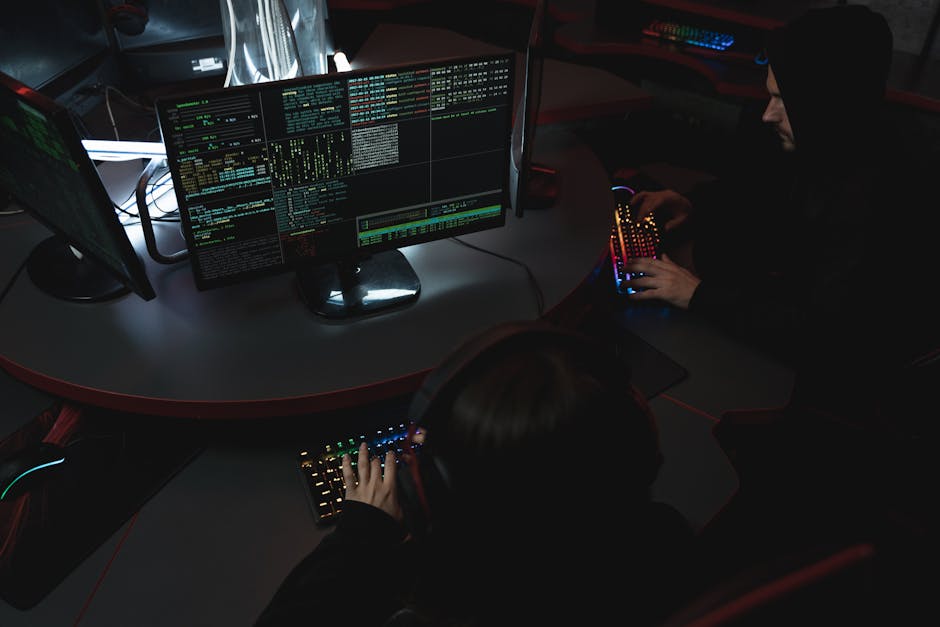
Photo by Tima Miroshnichenko on Pexels
Understanding how passwords are stolen is the first step in defending against attacks. Attackers use a variety of techniques ranging from highly technical brute-force attacks to low-tech social engineering. The most dangerous attacks often combine multiple methods. Let's break down the six most common password theft techniques and how to defend against each one.
1. Phishing Attacks
Phishing remains the most effective password theft method. Attackers send emails that mimic legitimate services—Microsoft 365, Google Workspace, banking portals—asking users to "verify their account" or "update their password." The user clicks a link to a fake login page that captures their credentials. In 2023, phishing was involved in 36% of all data breaches. A common small business scenario: an employee receives an email that looks like it's from Microsoft saying "Your password expires today—click here to renew." The link goes to micros0ft-verify.com instead of microsoft.com. The fake page captures their credentials and redirects them to the real Microsoft login, so they don't notice anything wrong.
Defense: Train employees to check URLs carefully, enable MFA on all accounts (covered in Section 3), and use email filtering tools like Microsoft Defender for Office 365 or the free tier of Proofpoint Essentials.
2. Credential Stuffing
Attackers take leaked password databases from breached websites and use automated tools to try those credentials against hundreds of other sites. If an employee used the same password for a breached shopping site and their work email, the attacker gets in. Tools like Sentry MBA automate this process, trying thousands of logins per minute. The defense is simple: never reuse passwords. A password manager makes this automatic by generating and storing a unique password for every account.
Defense: Use a password manager (Section 2) to ensure every account has a unique password. Monitor haveibeenpwned.com for your company email domains to detect when your credentials appear in breaches.
3. Brute Force and Dictionary Attacks
Attackers use software to systematically try every possible password combination (brute force) or try common passwords from a dictionary file. Hashcat, a free tool, can test billions of passwords per second against a stolen hash file. Short, common passwords fall in seconds. password, 12345678, and qwerty are cracked instantly. A 16-character random password would take millions of years even with Hashcat.
Defense: Enforce minimum 16-character passwords. Use passphrases (multiple random words). Rate-limit login attempts. Enable account lockout after 5 failed attempts.
4. Keyloggers and Malware
Malware installed on a computer can record every keystroke, including passwords. Keyloggers are often delivered through phishing emails, malicious downloads, or compromised websites. The recorded passwords are sent to the attacker. In a small business, a single infected computer can compromise every password typed on that machine. Endpoint protection (like Microsoft Defender for Business) and application whitelisting reduce this risk significantly.
Defense: Deploy endpoint protection on all devices. Use application whitelisting to prevent unauthorized software. Keep all systems patched and updated.
5. Social Engineering
Attackers call employees pretending to be IT support and ask for passwords. They send fake password-reset emails. They create fake LinkedIn profiles to build trust. A 2023 study found that 74% of organizations experienced a successful social engineering attack. The most effective defense is a simple policy: never share your password with anyone, ever, including IT staff. Legitimate IT staff can reset your password—they don't need you to tell them what it is.
Defense: Policy: "IT will never ask for your password." Train all employees on this policy. Verify identity through a second channel before acting on any IT request.
6. Network Interception
On unencrypted networks (public Wi-Fi, misconfigured office networks), attackers can intercept password transmissions. Using HTTP instead of HTTPS, SMB without encryption, or RDP without TLS exposes passwords to packet sniffing. Tools like Wireshark make this trivial. Always use encrypted protocols (HTTPS, VPN, SSH) and ensure all internal services use encryption.
Defense: Enforce HTTPS everywhere. Use VPN for remote access. Disable SMBv1. Require TLS for RDP connections. Encrypt all network traffic.
Key Takeaways
- Phishing is the #1 password theft method—train employees to verify URLs before entering credentials
- Credential stuffing exploits password reuse—a password manager eliminates this risk entirely
- Brute force attacks favor length: 16+ character passwords are effectively uncrackable
- Keyloggers require endpoint protection to detect and block
- Never share passwords verbally—legitimate IT can reset passwords without asking
- Always use encrypted connections (HTTPS, VPN) to prevent network interception
Deep Dive: Password Attack Methods and How to Defend Against Them
Understanding how attackers crack passwords helps you build effective defenses. Brute force attacks try every possible combination — a 6-character password using only lowercase letters has 308 million combinations, which modern GPUs can crack in under 8 seconds. An 8-character password with mixed case, numbers, and symbols has 6 quadrillion combinations, taking weeks to crack offline. A 12-character passphrase like 'purple-elephant-river-7' has so many combinations that brute force becomes impractical, making length more important than complexity for most users.
Dictionary attacks use pre-computed lists of common passwords and variations. The 'rockyou' password list contains 14 million real passwords from a 2009 breach and is still used by attackers today. If your password appears on any breached password list, it's effectively compromised regardless of its complexity. This is why NIST guidelines now recommend checking passwords against known breach lists — free tools like HaveIBeenPwned's API let you check if a password has been exposed without sending the actual password to the service.
Credential stuffing is the most dangerous password attack for organizations. Attackers take username/password combinations from one breach and try them against hundreds of other sites. If employees reuse passwords across personal and work accounts, a breach at an unrelated website gives attackers access to your business systems. The defense is simple: never reuse passwords. Password managers make this easy by generating and storing unique passwords for every account. Free password managers like Bitwarden offer enterprise features at no cost for small teams, while KeePass provides a fully offline alternative for security-conscious organizations.
Common Questions
Q: What makes a password truly strong?
Length is the most important factor. A 16-character passphrase like 'correct-horse-battery-staple-99' is stronger than an 8-character password like 'Tr!ck7y#'. Use passphrases — sequences of random words — because they're easier to remember and type than random character strings while being mathematically harder to crack.
How Attackers Steal Passwords
Understanding how passwords are stolen is the first step in defending against attacks. Attackers use a variety of techniques ranging from highly technical br
There are no comments for now.
to be the first to leave a comment.